Best ChatGPT prompt optimizer tools in 2026
What to look for in a ChatGPT prompt optimizer
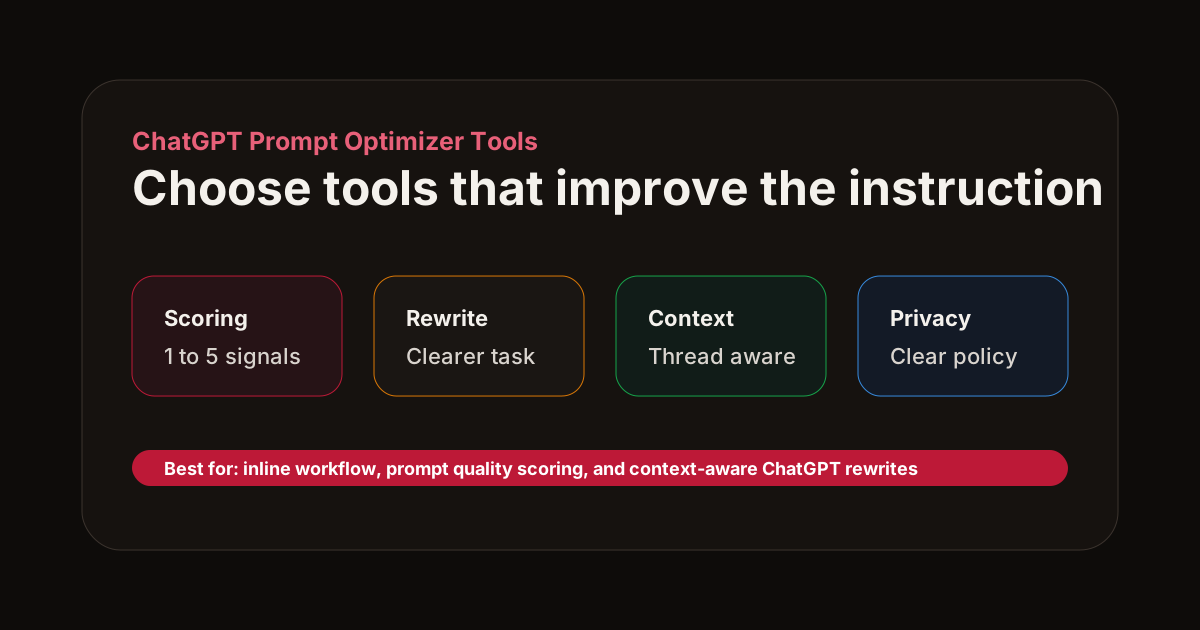
A ChatGPT prompt optimizer should do more than make your prompt sound polished. The best tools improve the instruction itself: the task, context, constraints, success criteria, and answer format.
If you are comparing prompt optimizer tools, use these criteria:
- Inline workflow: the tool should work where you already write prompts.
- Quality scoring: it should show why a prompt is weak, not just rewrite it.
- Context support: follow-up prompts like "make it shorter" need thread history.
- Output control: strong tools ask for tables, JSON, code blocks, checklists, or concise summaries when relevant.
- Privacy clarity: know what prompt data is sent, stored, and ignored.
Best ChatGPT prompt optimizer tools in 2026
1. AI Prompt Fixer
AI Prompt Fixer is a free AI prompt enhancer for ChatGPT, Claude, Gemini and Perplexity. It scores prompts across specificity, context, and format clarity, then suggests a model-ready rewrite. It is especially useful for people who want feedback inside their existing chat workflow instead of copying prompts into a separate website.
Best for: real-time prompt coaching, context-aware rewrites, and browser-extension workflows.
2. Prompt libraries and template hubs
Template hubs are useful when you need a starting point for a common task: blog outlines, sales emails, code review prompts, or research summaries. They are weaker when your request depends on a specific conversation, file, or project.
Best for: repeatable use cases and teams that want shared starter prompts.
3. General AI writing assistants
AI writing assistants can improve tone and grammar, but many do not understand prompt quality as a separate discipline. They may make your prompt smoother while leaving the task underspecified.
Best for: polishing prose after the prompt has already been clarified.
4. Manual prompt engineering checklists
A checklist is still one of the most reliable prompt optimization methods. Before sending a prompt, ask whether you included role, task, context, constraints, examples, and output format.
Best for: learning the fundamentals and creating internal standards.
A quick optimization example
Weak ChatGPT prompt:
"Make a launch plan."
Optimized prompt:
"Create a 30-day launch plan for a freemium Chrome extension that helps users improve AI prompts. Split the plan into pre-launch, launch week, and post-launch actions. Include target channels, success metrics, and one low-budget tactic per week."
The optimized version tells ChatGPT what product it is planning for, how long the plan should cover, which sections to include, and what details matter.
Recommended workflow
Use a prompt optimizer when a response matters: code you will ship, copy you will publish, strategy you will present, or research you will rely on. For quick throwaway questions, a plain prompt is often enough.
For higher-stakes prompts, run this loop:
- Draft naturally.
- Score the prompt.
- Apply the rewrite.
- Compare the answer quality.
- Save prompts that repeatedly work.
That loop turns prompt optimization from a one-off trick into a repeatable workflow.