Install AI Prompt Fixer for Chrome, Edge & Firefox.
Drop the AI prompt enhancer into your browser and get real-time coaching the next time you open a chat with ChatGPT, Claude, Gemini or Perplexity. Free, optional sign-in, first-party analytics.



- Free forever
- Works offline on cache hits
- First-party analytics only
- Respects reduced-motion

Under 30 seconds from click to first score.
Pick your browser
Use the Chrome, Edge or Firefox button above. Each one takes you straight to the official extension listing on that store.
Approve the install
The store will show the permissions the extension needs: run on supported AI chat tabs, store a small preferences object locally, and reach the first-party analytics endpoint on aipromptfixer.com. No access to your wider browsing.
Start typing on any supported AI chat
A small coach dot appears next to the chat input. Pause after typing and you will see a 1–5 quality score, a tip, and a one-click rewrite.
Five tabs, each doing one thing well.
The popup opens from your browser toolbar. History, templates, profile and progress still live on-device, while prompt journey analytics sync to your website dashboard when tracking is enabled.
Optimize
Paste any prompt, hit Run optimizer, and get the rewritten version with a copy button. Great for drafting long prompts outside the chat.
History
A local, private log of the prompts you optimized recently so you can revisit or reuse them without cluttering your chat.
Templates
Curated starter prompts for coding, writing, image, research and analysis. Fill in the blanks and send, or feed them through the optimizer first.
Profile
Your local preferences plus direct customer sign-in, so the extension can link this install to your dashboard without asking you to copy any token.
Progress
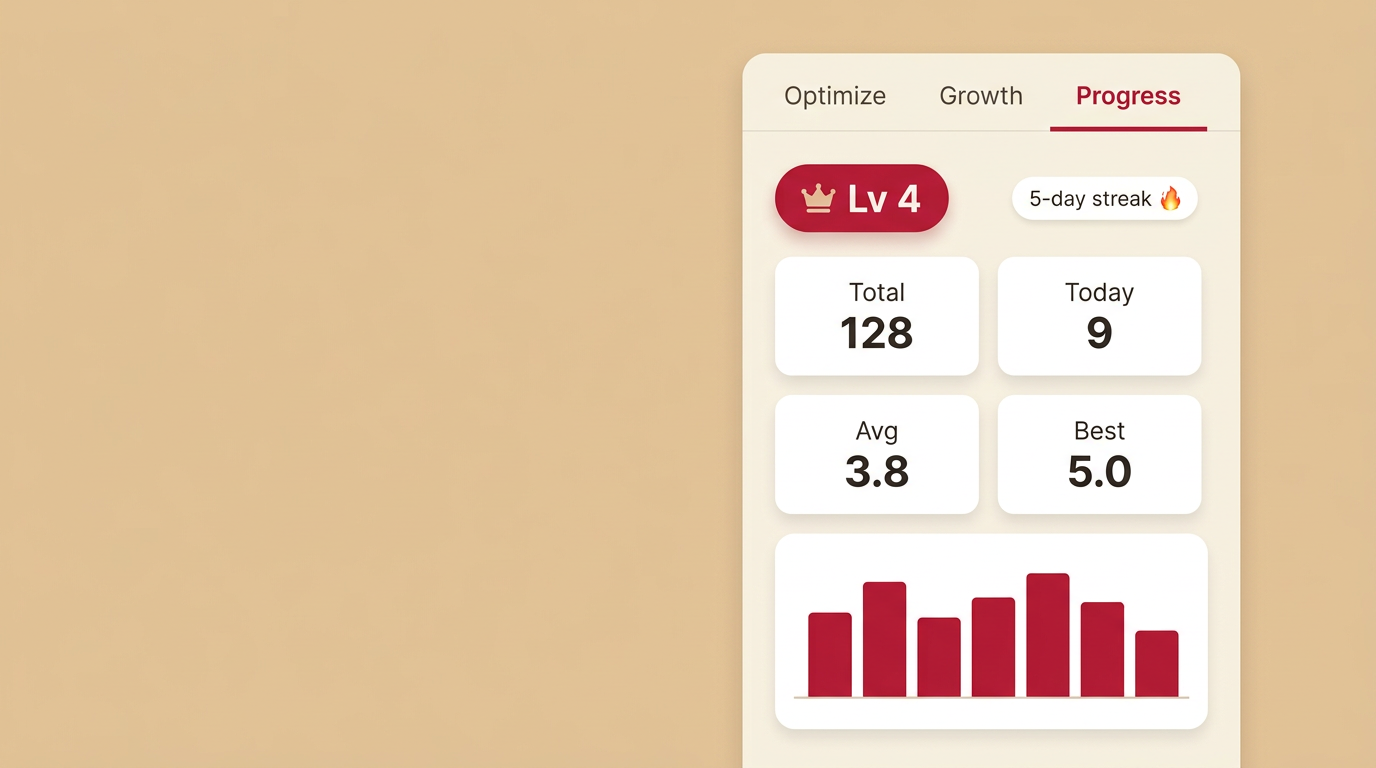
A level badge, daily streak and 7-day sparkline track how your prompt quality trends over time. All calculated on-device.
Works where you already type.
Each platform gets a dedicated adapter so the coach stays aligned with the chat input even when the site rebuilds its DOM.
| Platform | Domains | Features |
|---|---|---|
| ChatGPT | chat.openai.com · chatgpt.com | Auto-classify, optimize, follow-up Q&A |
| Claude | claude.ai | Auto-classify, optimize, follow-up Q&A |
| Google Gemini | gemini.google.com | Auto-classify on input and on send, optimize |
| Perplexity | perplexity.ai | Auto-classify, optimize |
Don't see your favourite tool? The live demo works with any LLM — paste a prompt and get a rewrite. Prefer your editor? Grab the VS Code & Cursor extension.
Privacy-first by default
The extension uses exactly two permissions: content-script access on the supported chat domains, local storage for your preferences, and a first-party connection to aipromptfixer.com for analytics and account linking. Prompt journeys can be retained so customers and super admins can review usage.
- Content scripts run only on the supported AI chat domains.
- No analytics vendors, no third-party trackers, no ad networks. Tracking stays first-party.
- Level, streak, history and templates remain on-device.
Install & privacy questions.
Ready to ship better prompts?
Pick your browser and start coaching every prompt you type today.