The free Claude AI prompt optimizer tuned for Claude 3.5, 4 and Opus.
Score and rewrite your Claude prompts in real time inside claude.ai. Optimized for the patterns Anthropic\u2019s models reward — XML delimiters, named roles, thinking blocks and long-context layout.



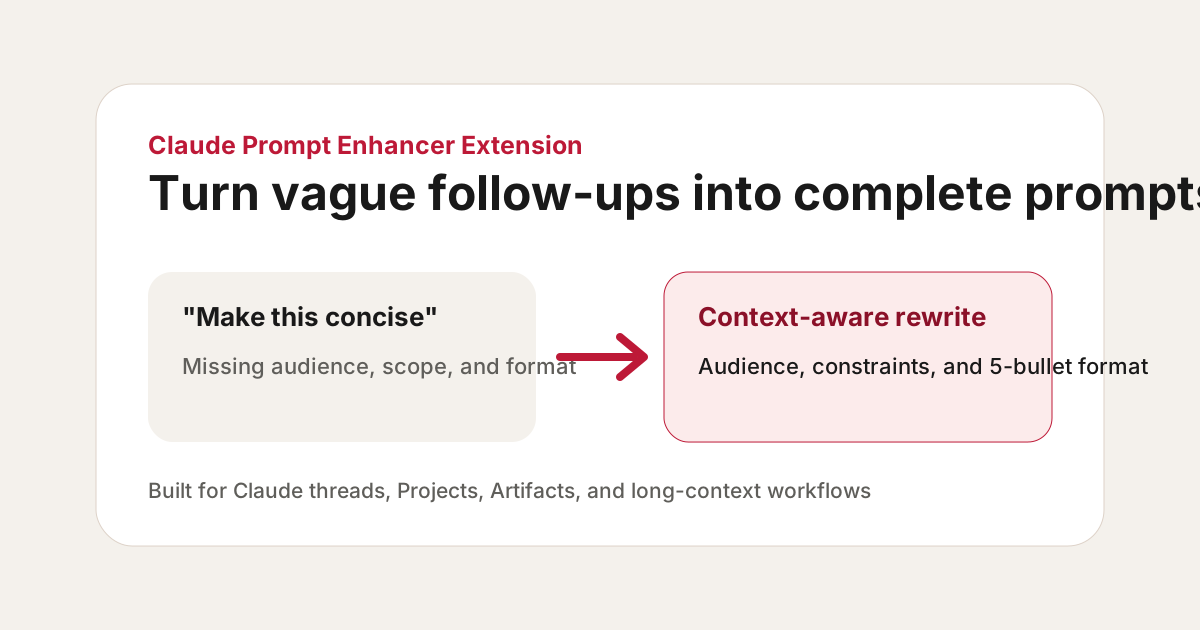
Claude rewards structure more than any other LLM.
Anthropic has explicitly trained Claude to follow structured prompts: XML tags, named roles, explicit thinking blocks. A Claude-specific prompt optimizer pays back the structure with noticeably sharper answers — especially on long-context and document-grounded tasks.
What a Claude-aware optimizer does differently.
Side-by-side: what most generic prompt tools do vs what AI Prompt Fixer does when it detects you\u2019re in claude.ai.
| Capability | Generic optimizer | AI Prompt Fixer for Claude |
|---|---|---|
| XML tag delimiters | No | Yes |
| Named roles at top of prompt | Partial | Yes |
| <thinking> blocks for reasoning | No | Yes |
| Long-context layout (200K tokens) | No | Yes |
| Claude 3.5 / 4 / Opus auto-detect | No | Yes |
| Constraints near task (local weight) | Partial | Yes |
| In-place inside claude.ai | No | Yes |
| Free forever | Partial | Yes |
Six rewrites tuned for Claude.
XML tag delimiters
Wraps source material in <document>, <example> or <context> tags — Claude’s strongest delimiter convention.
Named roles up front
Adds explicit role declarations ("You are…") at the top of the prompt, where Claude weighs them highest.
Thinking blocks
Inserts <thinking> blocks for reasoning-heavy tasks so Claude works through the problem before answering.
Output schemas
Adds explicit output schemas — Claude is exceptionally good at returning structured JSON when asked.
Constraints near the task
Places constraints right next to the instruction (Claude weights local context heavily) rather than at the end of the prompt.
Long-context layout
For long documents, places the question after the source material — the layout Claude handles best with its 200k-token context.
Plain prompt → Claude-native prompt.
summarize this report
You are a senior analyst. Use the document below to write a 5-bullet executive summary for the CEO. Lead each bullet with the business impact, followed by one sentence of supporting evidence. <document>...</document>
extract action items
Read the meeting transcript inside <transcript> tags. Return a JSON array of action items with keys: owner, action, deadline, confidence (0-1). Only include items with confidence ≥ 0.6. <transcript>...</transcript>
is this contract risky
You are a contracts lawyer reviewing the agreement inside <contract> tags for a Series B SaaS company. <thinking>List every clause that materially shifts risk to us, ranked by severity.</thinking> Output a markdown table with columns: Clause, Risk, Recommended redline, Negotiating priority (P0/P1/P2). <contract>...</contract>
Common questions.
Optimize your next Claude prompt in one click.
Install the free extension and the optimizer auto-attaches inside claude.ai — or paste a prompt into the live demo right now.